Text to Video — describe a scene, get a clip
Write one sentence and get a smooth 5–10 second video with natural motion and optional sound. Pick the model, the length and the shape — no editing, no watermark.
Have a photo to animate instead? Use Image to Video →
Text to Video
Describe a scene. Get a cinematic 5-10s clip with sound.
NSFW content will be rejected by the model.
Sign in to generate.
How text to video works
From one sentence to a finished clip in three steps.
Describe the scene
Write what happens and how it moves — the subject, the action, the camera, the mood. Tap a preset if you want a head start.
Pick model, length & shape
Choose the frontier video model, a 5 or 10 second length, and the aspect ratio for where it'll be posted — widescreen, vertical or square.
Generate & download
Your clip renders in about a minute. Download a watermark-free MP4, ready for Reels, Shorts, TikTok or an ad.
Why make video with ImageMakerLab
A whole production crew in a sentence — and the file is yours.
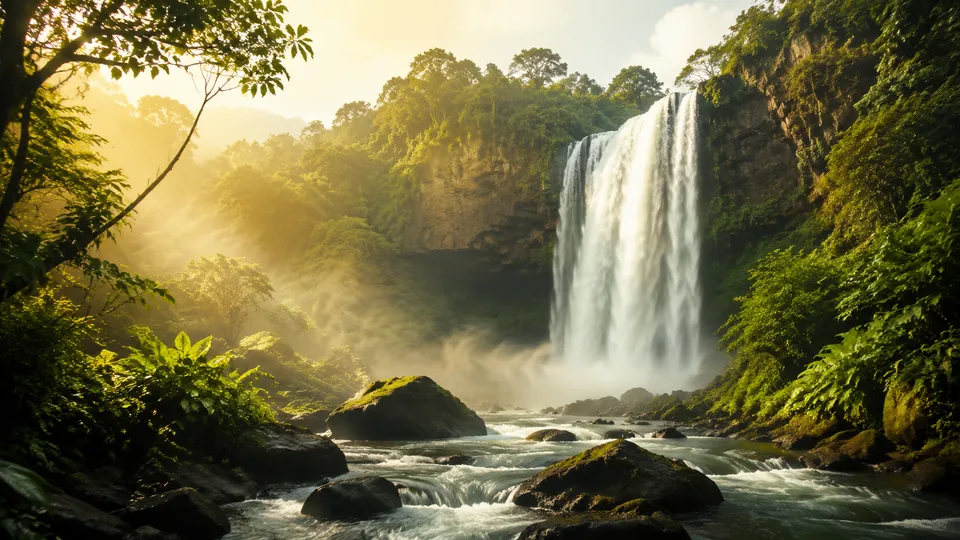
Cinematic motion from one line
No camera, no crew, no editing timeline. Describe the shot and the model handles motion, lighting and camera moves — a finished clip in about a minute instead of a shoot day.
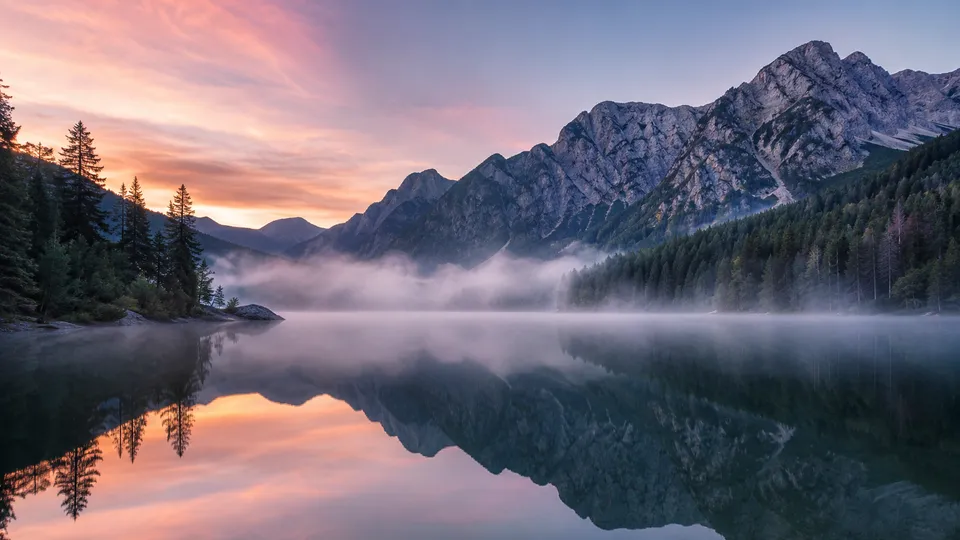
Choose the right video model
Switch between frontier video models — Sora 2, VEO 3 and Kling — from one credit balance. Each handles motion, realism and style differently, so you can pick the one that fits the scene.
No watermark, ready to post
Clips come out as clean MP4s with no ImageMakerLab watermark on any plan, in the aspect ratio you chose. Yours to use in ads, social posts or client work — private unless you share one.
Who text to video is for
If you need a short clip and don't want to shoot or edit one, start here.
Marketers & advertisers
Produce ad clips and motion banners on demand — test ideas without a production budget.
Social creators
Turn an idea into a scroll-stopping Reel, Short or TikTok in the right shape, every day.
E-commerce sellers
Add motion to product listings and ads — a rotating hero shot that stops the scroll.
Storytellers & studios
Storyboard scenes, previsualise shots and mock up sequences before any real production.
Text to Video — questions, answered
What is a text to video generator?
It turns a written description into a short video. You describe the scene, the action and the camera, and the model generates a moving clip — no footage, no editing software needed.
How long does it take, and how long are the clips?
You can choose a 5-second or 10-second clip, delivered as a standard MP4. Most clips render in about a minute, with live progress while it generates.
Which models can I use?
You can switch between frontier video models — Sora 2, VEO 3 and Kling — from one credit balance. Each handles motion, realism and style differently, so you can match the model to the scene.
Can I add sound?
Yes. Ambient sound that matches the scene can be generated with the clip, or you can keep it silent and add your own audio later.
What aspect ratios are supported?
Widescreen (16:9), vertical (9:16) and square (1:1), so your clip fits the platform — YouTube, Reels and Shorts, or a feed post. The credit price depends on the length and is shown on the Generate button.
How is this different from Image to Video?
Text to Video creates a clip from a written description alone. Image to Video starts from a photo you upload and brings that exact image to life. Use this when you don't have a starting image.
Is there a watermark? Can I use the clips commercially?
No watermark on any plan. Your clips are yours to use — in ads, listings, social posts or client work. They stay private unless you choose to share one to the public gallery.