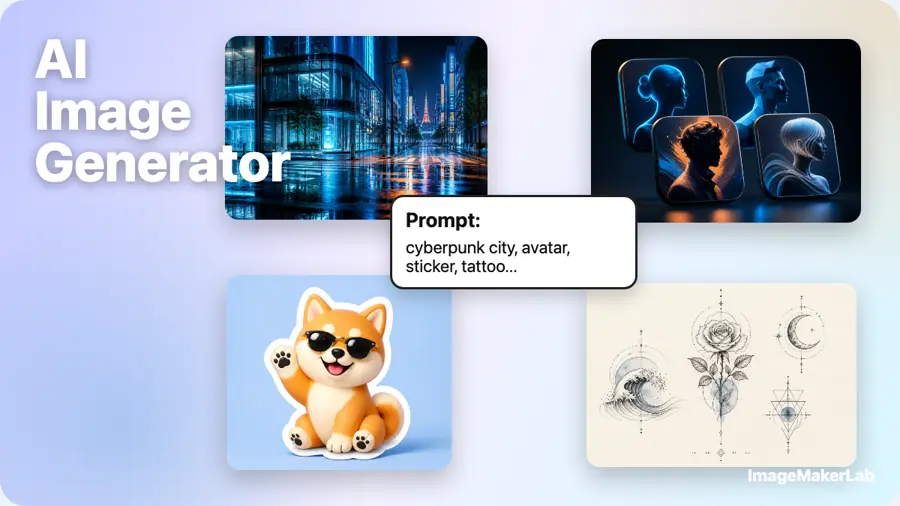
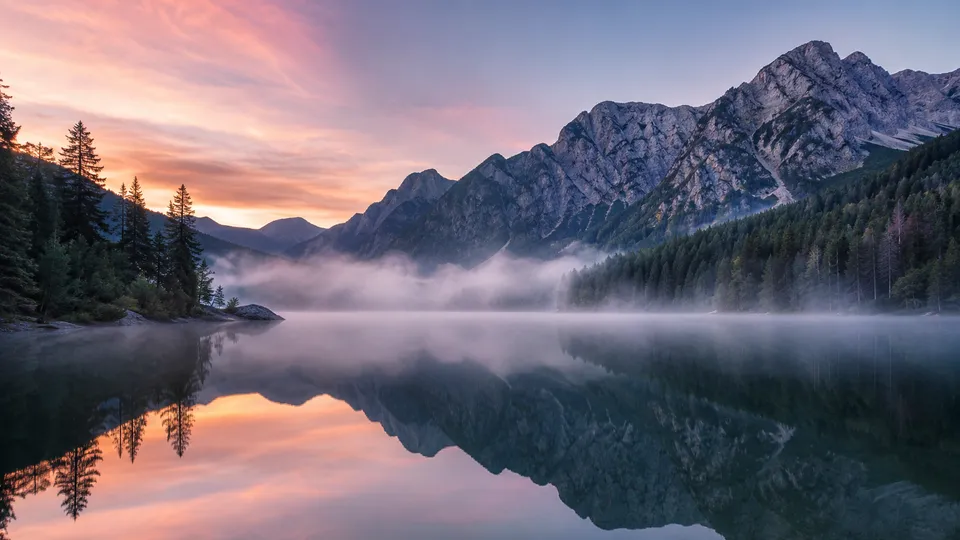
Image to Image
Upload a photo and transform it from a text prompt — restyle, edit, recolour or vary. Keeps your composition. No watermark, 5 free credits on signup.
Image to Image
Upload an image and reimagine it from a prompt — restyle, edit, vary.
The result keeps your image's aspect ratio.
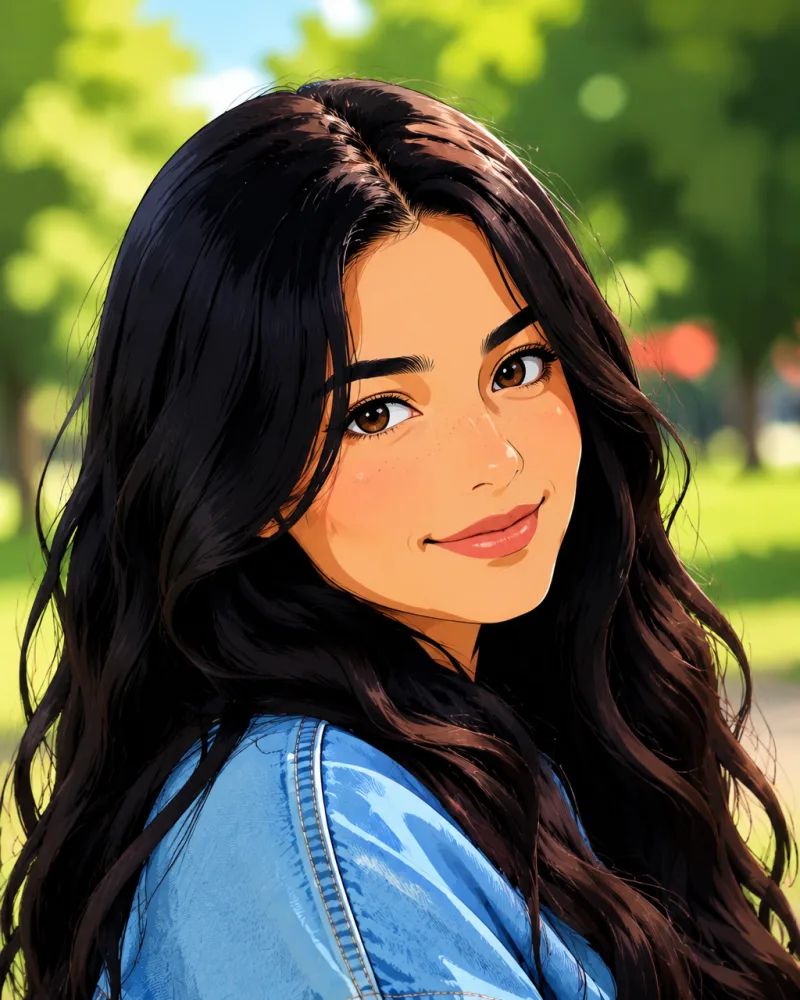
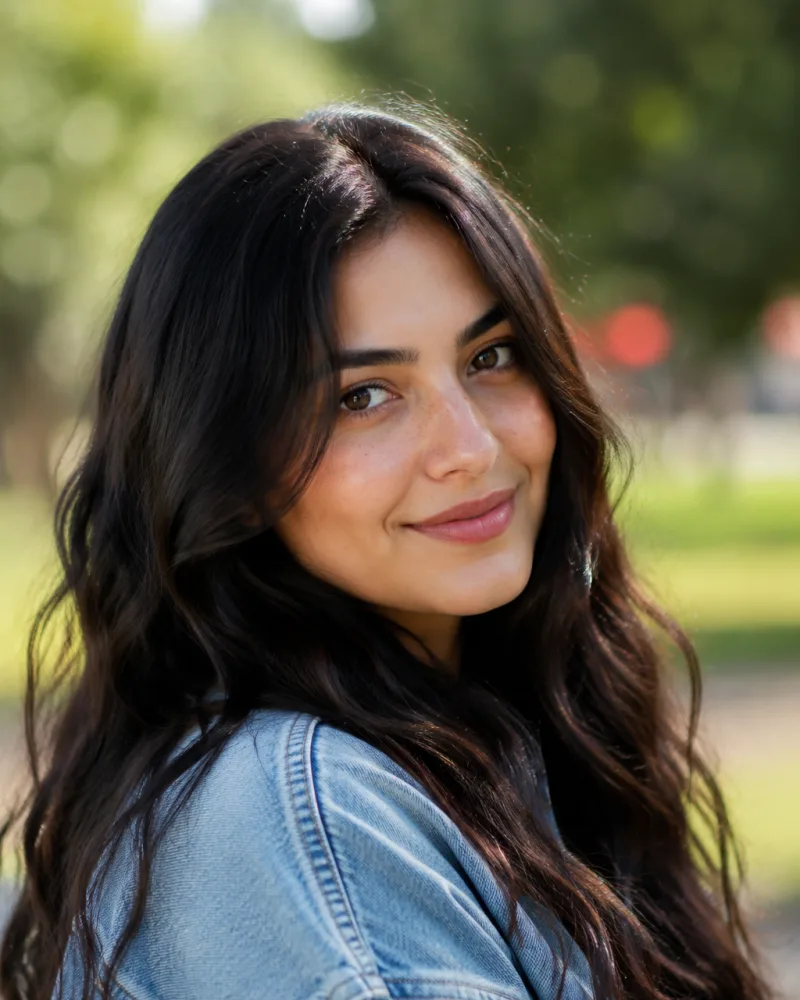
Upload your own image and hit Run.
How image to image works
Start from something real and take it anywhere — in three steps.
Upload your image
Drop in any photo, illustration or screenshot — JPG, PNG or WebP up to 10 MB. The result keeps your original aspect ratio.
Describe the change
Say what should happen — a new style, a different background, a recolour, an added element. Pick the model that fits the look.
Generate & download
Your new version is ready in about 15 seconds. Download it watermark-free, or feed the result back in to keep refining.
Why transform with ImageMakerLab
Start from something real and take it anywhere — without redrawing it.
Keeps what matters, changes the rest
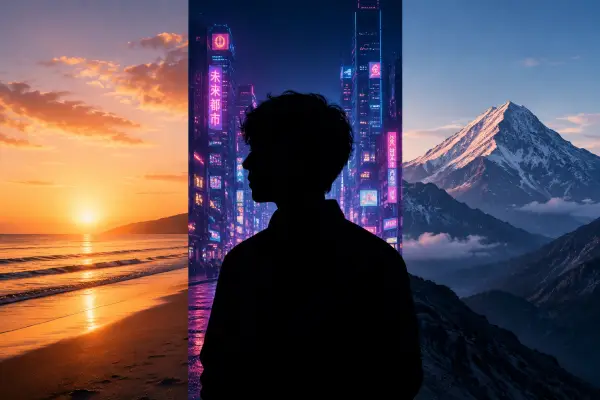
The model uses your upload as the reference, so the pose, layout and subject stay recognisable while the style, background or mood changes. Describe exactly what to keep and what to reimagine.
One prompt, any edit
Restyle to anime or oil paint, swap a background, recolour, change the season, add or remove an element — all in plain language, no masking or layers. Switch between GPT Image 2, Nano Banana, Seedream and Imagen to match the look.
No watermark, yours to use
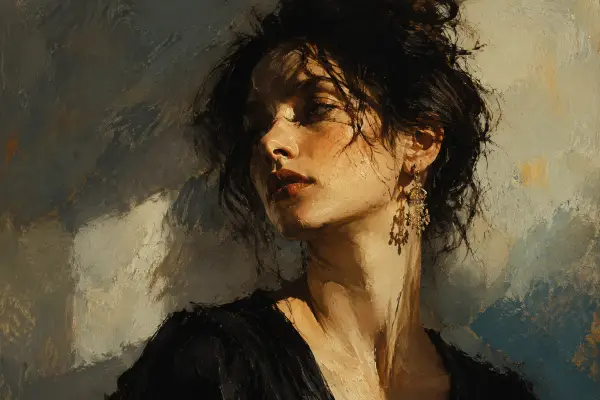
Every result comes out clean, with no ImageMakerLab watermark on any plan. Your transforms are private by default and yours to use — in ads, listings, social posts or client work.
Who image to image is for
If you already have an image and want a new version of it, start here.
Designers & artists
Restyle assets, explore directions and iterate on a concept without starting from a blank canvas.
E-commerce sellers
Drop a product into new scenes and lighting for fresh listing images — no second photoshoot.
Bloggers & creators
Turn one shot into many on-brand variations for thumbnails, posts and covers across platforms.
Photographers & editors
Make fast stylistic edits and seasonal or colour variants without opening a full editor.
Image to Image — questions, answered
What is image to image (img2img)?
It generates a new image from an existing one plus a text instruction. Instead of starting from a blank canvas, the model uses your upload as the reference and applies the change you describe — restyle, edit, recolour or vary.
How much does it change my original?
As much or as little as you ask for. Describe a light edit to stay close to the source, or a full reinterpretation to let the model push further. Either way it works from your uploaded image, not a blank canvas.
What can I ask it to do?
Change the art style, swap or blur the background, recolour, change the season or time of day, add or remove elements, restyle an outfit, or create variations of the same composition. Describe it in plain language.
What formats and resolutions are supported?
Upload JPG, PNG or WebP up to 10 MB. Output keeps your image's aspect ratio and scales up for detail. The credit price is shown on the Transform button before you spend anything.
How is this different from the Photo Editor or Magic Eraser?
Those are precise, single-purpose tools — Magic Eraser removes objects, Background Changer swaps backgrounds. Image to Image is the general-purpose option: one prompt can restyle, edit and recompose the whole picture at once.
Can I generate from just text instead?
Yes — that's Text to Image. Use it when you have no source photo and want to create something from a description alone.
Is there a watermark? Can I use the results commercially?
No watermark on any plan. Your results are yours to use — in ads, listings, social posts or client work. They stay private unless you choose to share one to the public gallery.