What this tool does
Camera shake, soft focus, motion blur — all rescuable.
Fix blurry photos: motion blur, soft focus, camera shake. AI restores sharpness.
Camera shake, soft focus, motion blur — all rescuable.
Browse free · 2 credits per image after sign-in
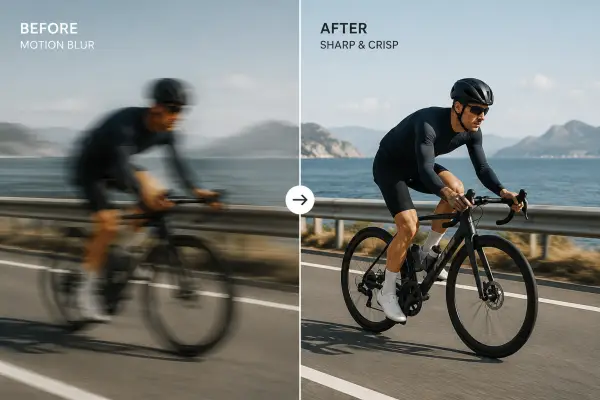

Upload your own image and hit Run.
Sharpen / Unblur Image
Fix blurry photos: motion blur, soft focus, camera shake. AI restores sharpness.
Camera shake, soft focus, motion blur — all rescuable.
Open Sharpen / Unblur Image, add a reference image, choose the output shape, then generate. Results stay private until you choose to share them.