Back to Lab
Enhance/AI Image Upscaler

AI Image Upscaler

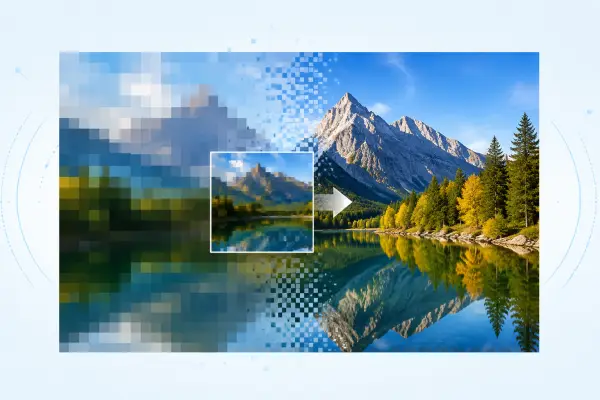
Up to 4× sharper, no artifacts.

Drag, paste, or click to upload
JPG · PNG · WebP, 10 MB max

Browse free · 1 credit per run after sign-in

Browse free · 1 credit per run after sign-in
AI Image UpscalerAI Image UpscalerBeforeAfter
AI Image Upscaler

Upload your own image and hit Run.

AI Image Upscaler

AI Image Upscaler guide

Upscale photos up to 4× resolution with AI. Preserves details, removes artifacts.

What this tool does

Up to 4× sharper, no artifacts.

How to use it

Open AI Image Upscaler, add a reference image, choose the output shape, then generate. Results stay private until you choose to share them.

Good prompts to try

  • Describe the subject, style, mood, lighting, and aspect ratio you want.

Quick answers

Can I use the result commercially?
Yes. Your generations are yours by default, with no watermark from ImageMakerLab.
Will my work be public?
No. Generations stay private unless you promote one to the public gallery.
AI Image Upscaler — Up to 4× Sharper | ImageMakerLab