What this tool does
Brush over things to vanish. AI cleans them out.
Erase unwanted objects from photos. AI fills the background naturally.
Brush over things to vanish. AI cleans them out.
Phase 1: auto-detects removable small objects. Brush / box selection coming later.
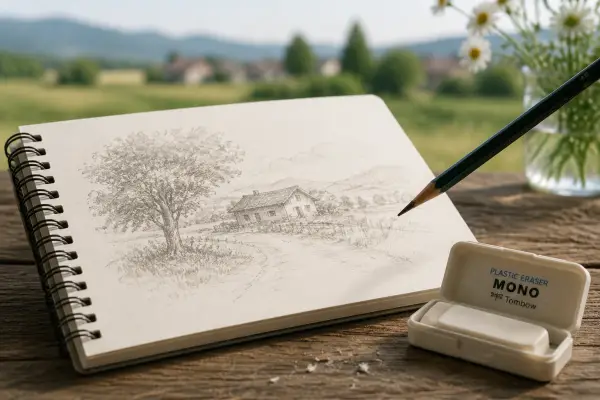

Upload your own image and hit Run.
Magic Eraser
Erase unwanted objects from photos. AI fills the background naturally.
Brush over things to vanish. AI cleans them out.
Open Magic Eraser, add a reference image, choose the output shape, then generate. Results stay private until you choose to share them.