What this tool does
Upload, describe what to change, AI keeps everything else.
Upload any photo, describe the change in plain language, AI keeps the rest of the image untouched.
Upload, describe what to change, AI keeps everything else.
Browse free · 2 credits per image after sign-in
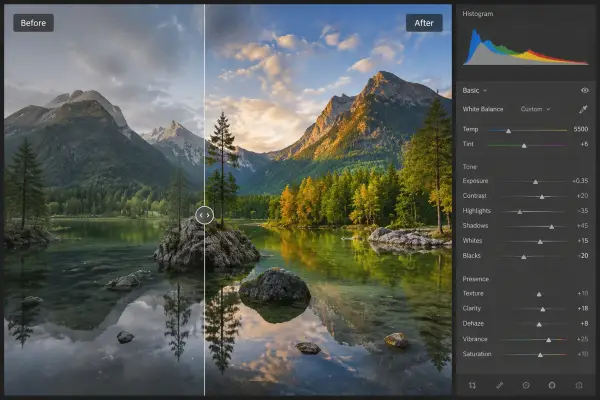

Upload your own image and hit Run.
AI Photo Editor
Upload any photo, describe the change in plain language, AI keeps the rest of the image untouched.
Upload, describe what to change, AI keeps everything else.
Open AI Photo Editor, add a reference image and a short instruction, choose the output shape, then generate. Results stay private until you choose to share them.