What this tool does
Bring blurry or low-res faces back into focus.
Sharpen blurry, low-resolution faces. AI re-renders facial detail.
Bring blurry or low-res faces back into focus.
Difference vs Image Upscaler: Upscaler enlarges everything; Face Restore re-renders facial details (some identity drift, better visual result).
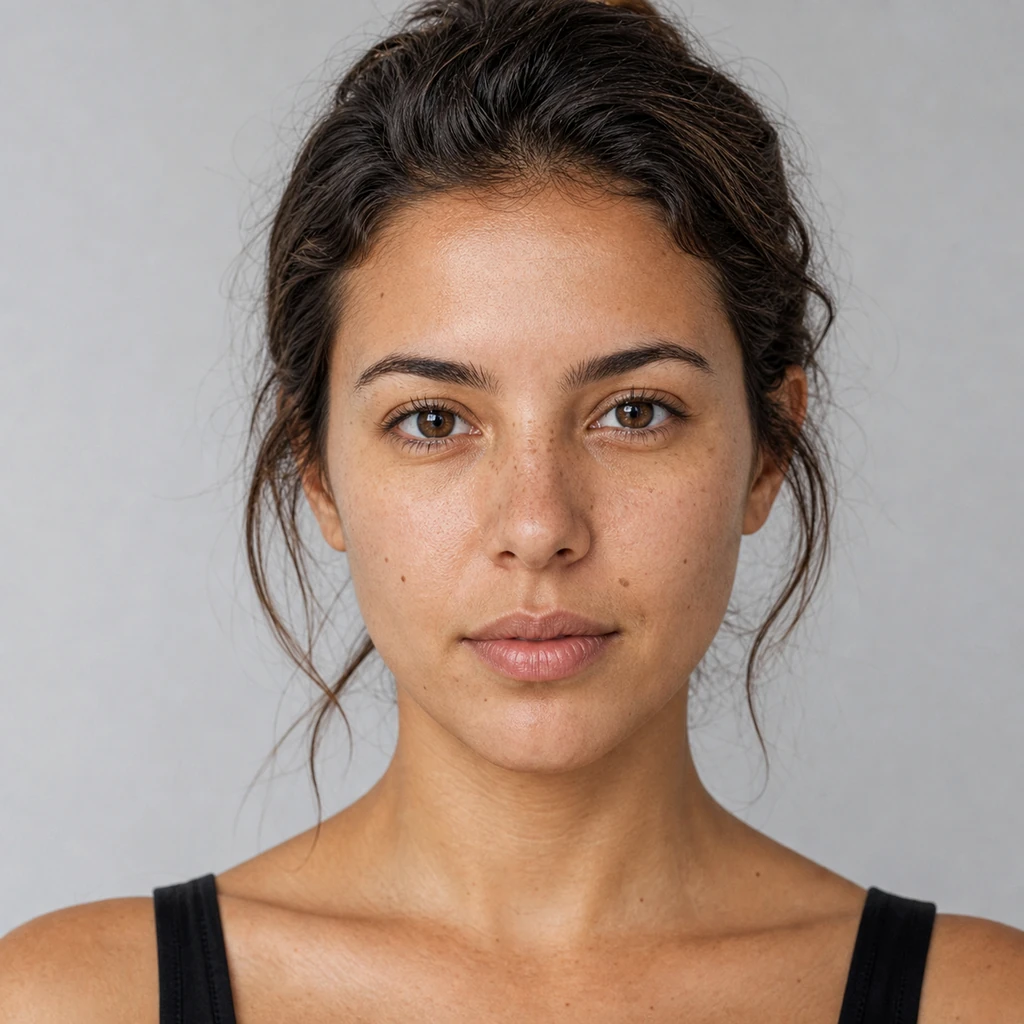
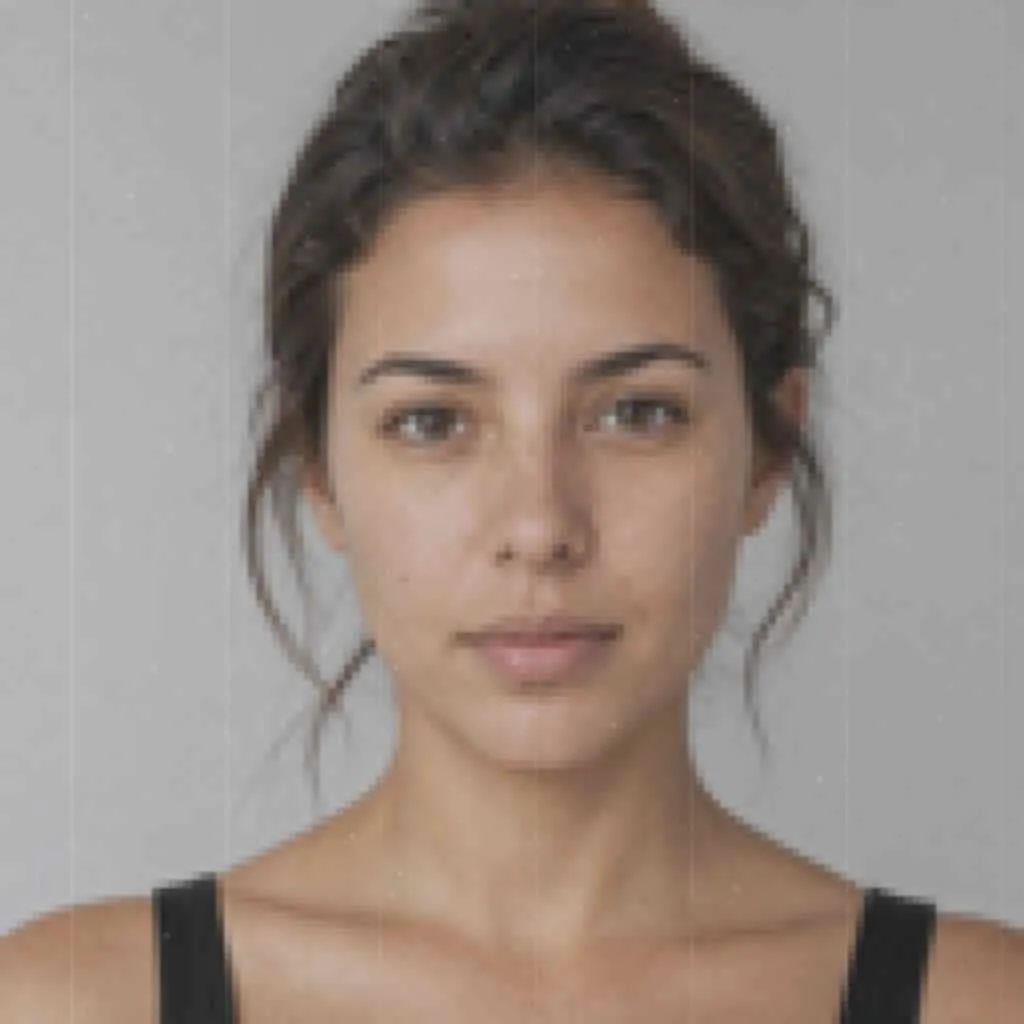
Upload your own image and hit Run.
AI Face Restore
Sharpen blurry, low-resolution faces. AI re-renders facial detail.
Bring blurry or low-res faces back into focus.
Open AI Face Restore, add a reference image, choose the output shape, then generate. Results stay private until you choose to share them.