What this tool does
Pick a direction, AI naturally extends the canvas.
Extend any image's canvas. AI fills the new edges to match your photo's style.
Pick a direction, AI naturally extends the canvas.
Good for: 1:1 → 16:9 widescreen, portrait extension into background, document fill-in.
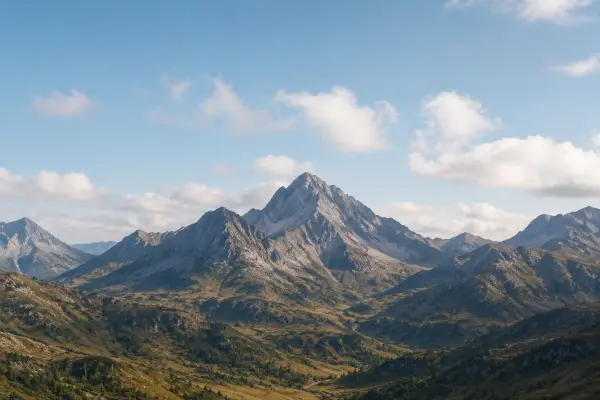

Upload your own image and hit Run.
Image Uncrop
Extend any image's canvas. AI fills the new edges to match your photo's style.
Pick a direction, AI naturally extends the canvas.
Open Image Uncrop, add a reference image, choose the output shape, then generate. Results stay private until you choose to share them.