What this tool does
Single image upscaler today; bulk queue (up to 50 files) in Phase 2.
Upscale up to 50 images at once. Same engine as the single-image Upscaler.
Single image upscaler today; bulk queue (up to 50 files) in Phase 2.
Phase 1: single image only. Use AI Image Upscaler — same engine. Multi-file queue is on the Phase 2 roadmap.
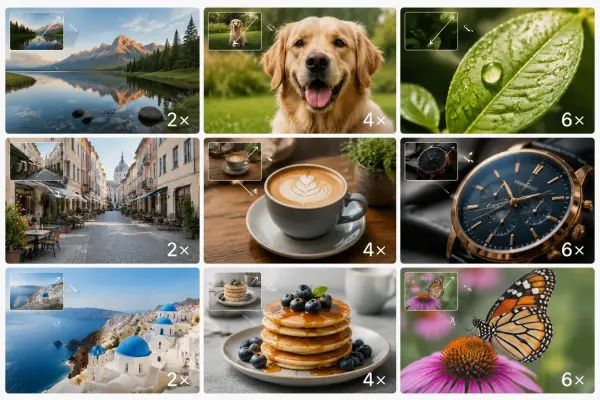

Upload your own image and hit Run.
Batch Upscaler
Upscale up to 50 images at once. Same engine as the single-image Upscaler.
Single image upscaler today; bulk queue (up to 50 files) in Phase 2.
Open Batch Upscaler, add a reference image, choose the output shape, then generate. Results stay private until you choose to share them.